
TikTok Integration
Connect TikTok to Zync and publish videos directly from your Content Kit.
Lesson notes
Use this guide to connect TikTok to Zync and publish from Content Kit.
Before You Start
- Estimated time: 2-3 minutes for setup.
- You need to have
Soloplan active (or trial) - Keep your TikTok login available for permission approval.
Connect TikTok (One-Time Setup)
- In Zync, go to
Workspace > Integrations. - In
TikTok Configuration, selectConnect TikTok. - Sign in to TikTok and approve requested permissions.
- After redirecting back to Zync, confirm your TikTok account appears in the TikTok section.
- If profile details are missing, select
Reconnectto refresh account info.
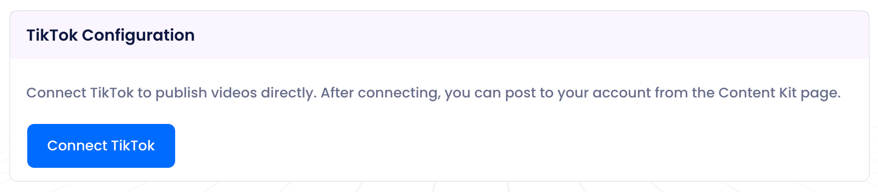 TikTok connection in
 Workspace > Integrations.
Success check: Your TikTok account is visible in
TikTok Configuration.
Publish From Content Kit (Repeatable)
- Open the episode's
Content Kit. - In the TikTok card, select
Publish. - Review
Video URL,Title, andCaption; edit as needed. - For promotional content, enable
Commercial content disclosureand selectYour brand,Branded content, or both. - Choose
Privacyand enable interactions (Allow Comment,Allow Duet,Allow Stitch) as needed. - Select
Publish to TikTok.
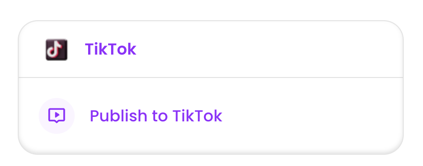 Step 1: Open the episode
 Content Kit and navigate to TikTok card. Click on it.
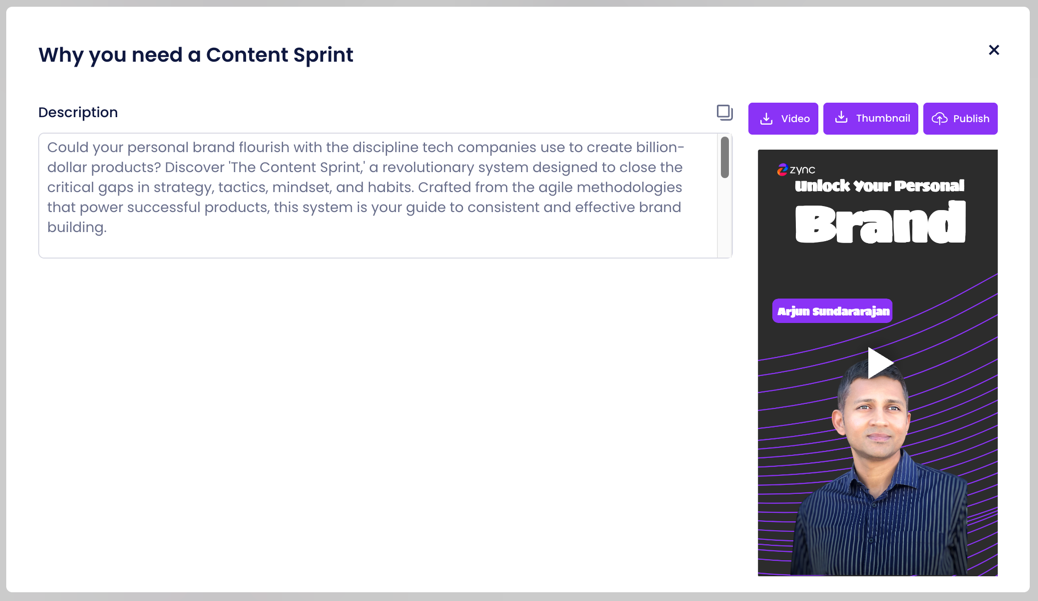 Step 2: Select
 Publish in the TikTok modal that opens.
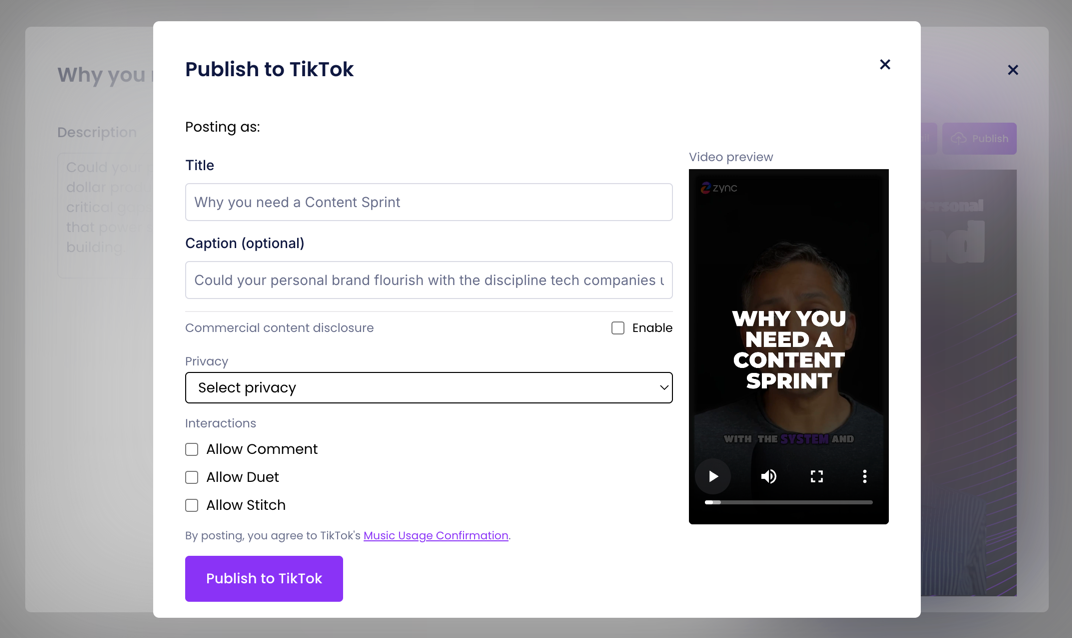 Steps 3-5: Review fields, disclosure, and privacy settings before publishing.
Success check: Publish completes without errors and the post appears on TikTok.
If Publishing Fails
- Select
ReconnectinTikTok Configurationand try publishing again. - Confirm your TikTok account is still connected in
Workspace > Integrations. - Re-open the episode
Content Kitand retryPublish.
Disconnect or Switch
- Go to
Workspace > Integrations. - In
TikTok Configuration, selectDisconnectto remove the current account. - Select
Connect TikTokto link a different account.