
LinkedIn Integration
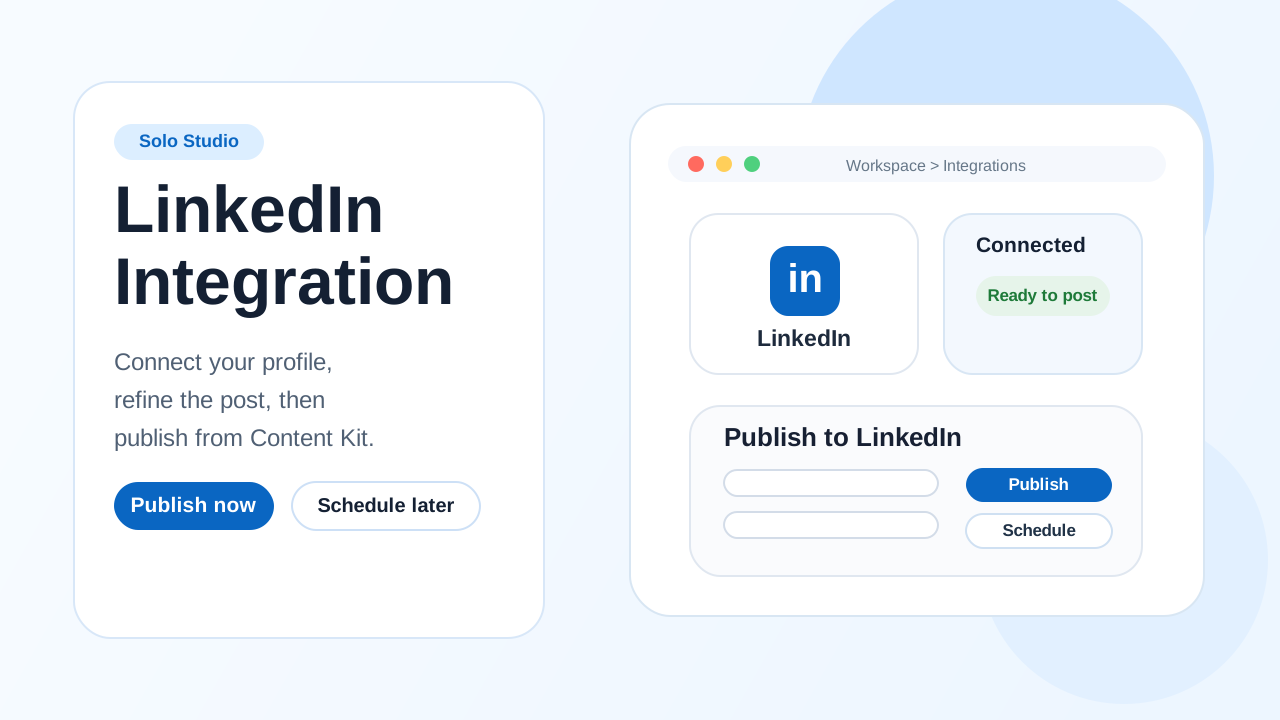
Connect LinkedIn to Zync and publish or schedule short-form videos directly from your Content Kit.
Lesson notes
Use this guide to connect LinkedIn to Zync and publish or schedule from Content Kit.
Before You Start
- Estimated time: 2-3 minutes for setup.
- Use the LinkedIn profile that should own the published post.
- Keep your LinkedIn login available for the permission flow.
- You need to have
Soloplan active (or trial). - For Solo episodes, LinkedIn publishing uses a square Content Kit highlight, so wait until the Content Kit is ready before publishing.
Connect LinkedIn (One-Time Setup)
- In Zync, go to
Workspace > Integrations. - In
LinkedIn Configuration, selectConnect LinkedIn. - Sign in to LinkedIn and approve access.
- Return to Zync and confirm the success banner appears in the LinkedIn section.
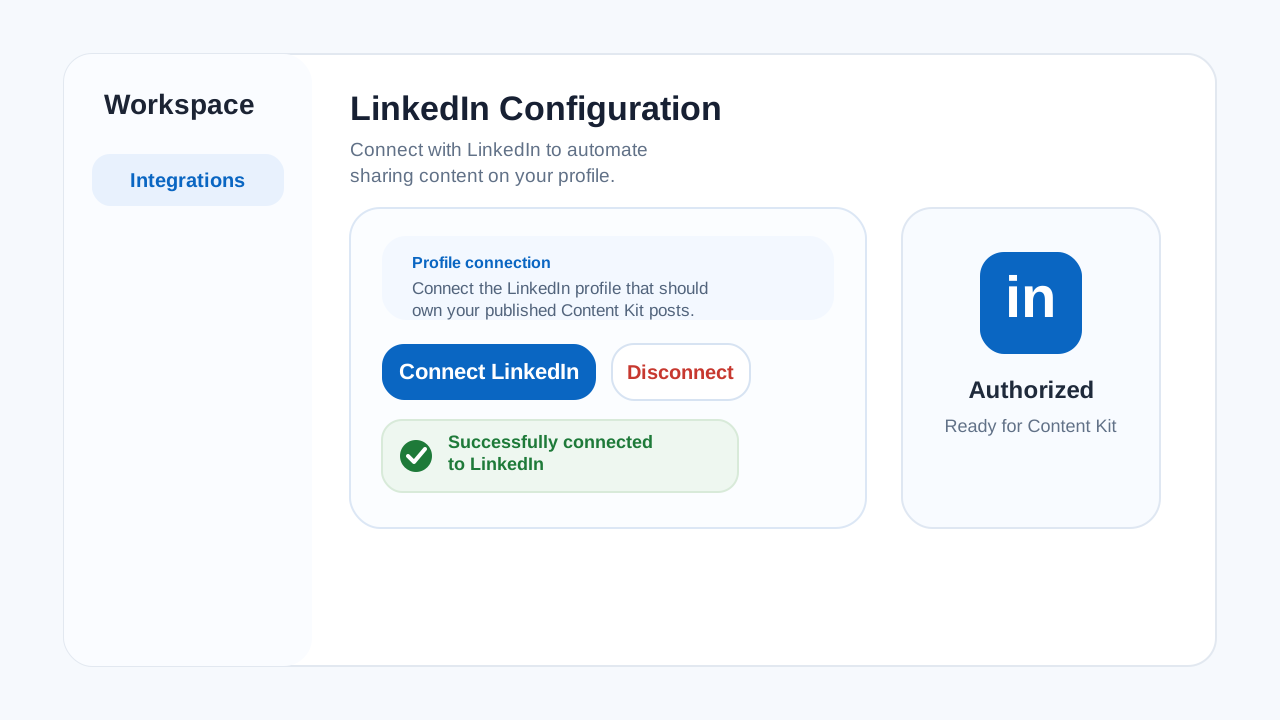 Connect LinkedIn in
 Workspace > Integrations and confirm the success banner after authorization.
Success check:
LinkedIn Configurationshows the connected state and exposes aDisconnectaction.
Publish From Content Kit (Repeatable)
- Open the episode's
Content Kit. - Select
Publish to LinkedIn. - Review the
LinkedIn Posttext and save edits if needed. - Select
Publishto post immediately. - To publish later, open the arrow next to
Publish, choose a time, and confirm the schedule. - After publishing, use the
Published Videolink to verify the post on LinkedIn.
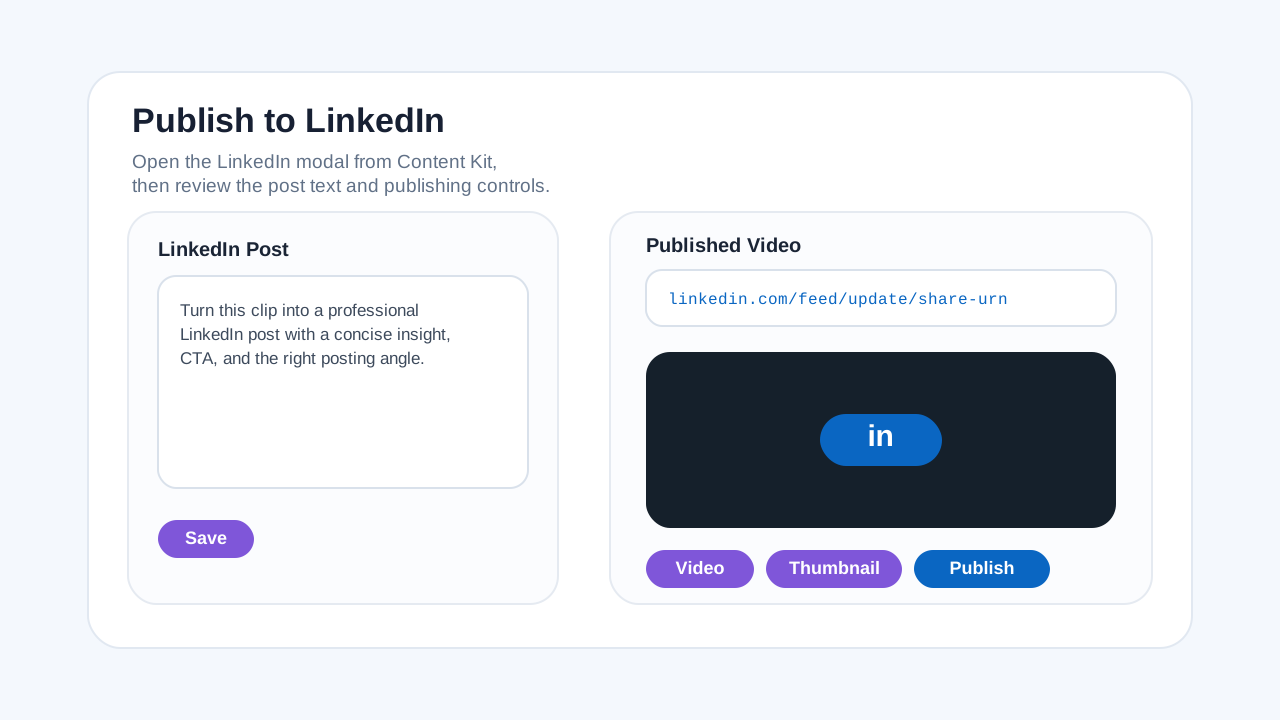 Review the LinkedIn post copy, preview, and publish controls before posting.
Success check: The publish finishes without errors and a LinkedIn link appears in
Published Video.
If Publishing Fails
- Reconnect or reauthenticate your LinkedIn account in
Workspace > Integrations. - If Zync asks you to disconnect and reauthenticate, complete that flow before retrying.
- Confirm the
LinkedIn Postfield is not empty. - Make sure the workspace still shows the connected LinkedIn account you expect to post from.
Disconnect or Switch
- Go to
Workspace > Integrations. - In
LinkedIn Configuration, selectDisconnect. - Select
Connect LinkedInto link a different LinkedIn profile.